Password System
The Secure Storage Block, Computer, and Authenticator all support passwords which are required to access them.
Setting/Changing a Password
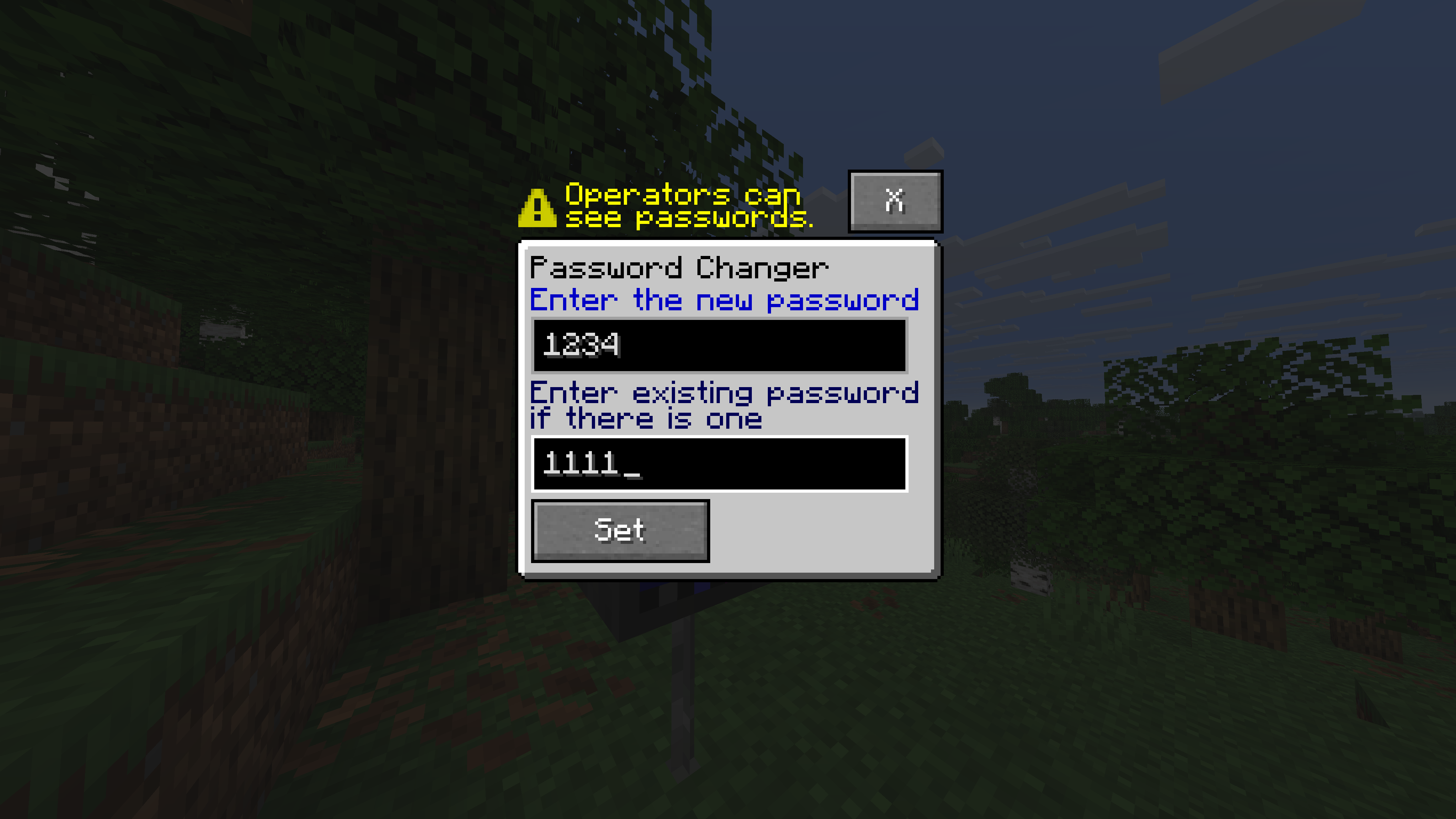
You can use a Password Changer to update the password of a block. If the block does not have a password yet, leave the existing password field blank, otherwise enter the existing password, and enter your new password into the new password field.
Showcase Image
How blocks Handle Having No Password
- The
ComputerandSecure Storage Blockskip the authentication screen and go on to the block. - The authenticator requires the password field to be left blank in order for it to succeed.
Important Security Concerns
- Operators can see any password, meaning that passwords aren't actually private from them.
- Passwords are basically stored in plaintext, this means that from a cybersecurity perspective, it is very unsafe to put a real password into LlamaBlocks.
Important:
These issues are currently not possible for me to fix, due to the fact that MCreator does not support any form of cryptographic hashing function.
More specifically, passwords are stored in a NBT text tag named
access_password, which can be easily viewed using the vanilla/datacommand.